The Ultimate Guide to Dealership Website Speed Optimisation
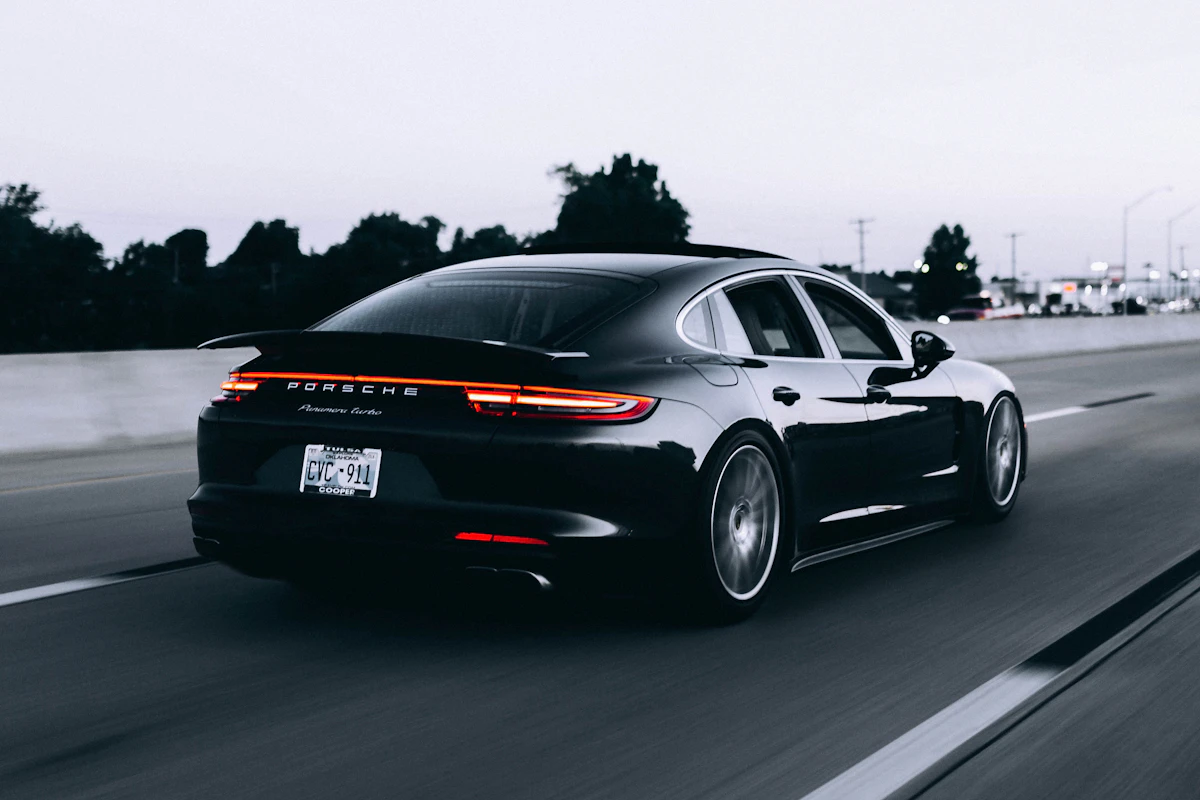
In the modern automotive retail landscape, speed is no longer just a luxury—it is a critical business metric. When a prospective buyer clicks on a link to view your inventory, they expect your website to load almost instantly. In fact, research shows that a delay of even a few seconds can lead to a massive drop in conversion rates. If your dealership website is slow, you are actively driving buyers into the arms of your competitors.
A fast website is particularly important for mobile users, who make up the vast majority of vehicle shoppers today. Buyers browsing on their smartphones are often on cellular networks with varying connection speeds. If your vehicle detail pages (VDPs) are bogged down by uncompressed images, heavy scripts, and slow server response times, these mobile shoppers will bounce before ever seeing a single photo.
This guide provides a comprehensive, technical playbook for optimizing your dealership website’s speed. We will cover image compression, CDN setup, caching, database optimization, and the Core Web Vitals metrics that Google uses to evaluate your site's performance.
Why Page Speed Matters for Car Dealerships
Before diving into the technical details, let's explore why page speed is so critical for auto dealers:
- User Experience (UX): Buying a car is a high-consideration purchase. Shoppers want to view dozens of high-resolution photos, compare specs, and read reviews. If every click results in a loading spinner, the shopping experience becomes frustrating, leading to lower engagement and fewer lead submissions.
- Search Engine Optimization (SEO): Google has made page experience—and specifically Core Web Vitals—a direct ranking factor. A faster website ranks higher in local search results, giving you free organic traffic.
- Ad Campaign Efficiency: If you are running Google Ads or Facebook Ads that point to your VDPs, a slow-loading landing page will increase your bounce rate, lowering your ad quality score and making your campaigns more expensive.
- Conversion Rate Optimization (CRO): Every second shaved off your load time directly correlates to an increase in form submissions, phone calls, and test-drive bookings.
1. Mastering Image Compression and Optimization
Car dealership websites are naturally image-heavy. A typical inventory page features dozens of vehicles, each with a gallery of 20 to 50 photos. If these images are not optimized, they will crush your website's performance.
Use Modern Image Formats
Many legacy dealership sites still use standard JPEG or PNG formats. Modern formats like WebP and AVIF offer significantly better compression ratios, reducing file sizes by 30% to 50% compared to JPEG without any visible loss in quality.
Ensure your content management system (CMS) or inventory provider automatically converts all uploaded vehicle photos into WebP or AVIF formats.
Implement Dynamic Resizing
A photo taken by a professional photographer or a lot manager's camera might be 4000 pixels wide. Displaying that full-resolution image in a thumbnail container that is only 300 pixels wide is a waste of bandwidth.
Your website should use dynamic resizing to serve the exact image dimensions required by the user's screen size. A mobile device should receive a smaller file, while a desktop user receives a higher-resolution version.
Enable Lazy Loading
Lazy loading ensures that images are only downloaded when they enter the user's viewport (the visible area of the screen).
When a user lands on your homepage, their browser only loads the images "above the fold" (visible without scrolling). Images further down the page are loaded dynamically as the user scrolls, saving bandwidth and dramatically improving the initial page load time.
2. Leverage a Content Delivery Network (CDN)
A Content Delivery Network (CDN) is a network of servers distributed globally. When a user visits your site, the CDN serves the static files (images, stylesheets, scripts) from the server closest to the user's physical location.
How a CDN Improves Speed
Without a CDN, every visitor must request files from your main hosting server, which might be located hundreds of miles away. This distance introduces latency.
A CDN replicates your static assets across edge servers worldwide. If your dealership is in Denver and a buyer from Colorado Springs visits your site, the CDN serves the files from a local node, reducing latency and accelerating load times.
Popular CDNs for Dealerships
- Cloudflare: Offers a robust, free tier with excellent security and speed optimization features.
- KeyCDN: A lightweight, pay-as-you-go CDN that is easy to configure.
- Amazon CloudFront: A highly customizable CDN suitable for larger dealer groups with custom-built websites.
3. Optimizing Core Web Vitals
Google uses Core Web Vitals to measure the real-world user experience of your website. To rank well in search results, your site must meet specific targets across three metrics:
Largest Contentful Paint (LCP)
LCP measures loading performance. Specifically, it tracks how long it takes for the main content of the page (usually the hero image or the primary heading) to become visible to the user.
- Target: Under 2.5 seconds.
- How to improve: Optimize your hero images, minimize render-blocking JavaScript and CSS, and use server-side caching.
Interaction to Next Paint (INP)
INP measures responsiveness. It tracks the latency of all user interactions (clicks, taps, keyboard inputs) on the page and identifies the slowest one.
- Target: Under 200 milliseconds.
- How to improve: Reduce JavaScript execution time, break up long tasks, and optimize your event handlers.
Cumulative Layout Shift (CLS)
CLS measures visual stability. It tracks whether elements on the page move around unexpectedly while the page is loading. There is nothing more frustrating for a user than trying to click a button, only for a loading image to push the button down, causing them to click the wrong element.
- Target: Under 0.1.
- How to improve: Always include size attributes (width and height) on images and video elements, reserve space for dynamic content like ads, and avoid inserting new content above existing content.
4. Minification and Caching Strategies
Every file your website loads requires a separate server request. By cleaning up your code and storing files locally on the user's browser, you can minimize these requests.
Minify CSS, JS, and HTML
Minification removes unnecessary characters from your code—such as whitespace, comments, and formatting—without changing its functionality. This reduces file sizes and speeds up download times. Many modern web development tools automate this process during the build phase.
Implement Browser Caching
Browser caching instructs the user's browser to store static files (like your dealership logo, stylesheets, and scripts) locally for a specified period. When the user navigates to a new page or returns to your site later, their browser loads these files from their local storage rather than downloading them again from the server.
Configure your server's .htaccess or Nginx configuration to set long expiration dates (e.g., one year) for static assets that rarely change.
Conclusion: Make Speed a Priority
In 2026, your website is the front door of your dealership. A slow website is equivalent to locking the showroom doors during business hours.
By implementing aggressive image compression, routing your traffic through a reliable CDN, optimizing your code to meet Core Web Vitals targets, and utilizing browser caching, you can create a blazing-fast digital experience. A faster website will keep shoppers engaged, boost your local search engine rankings, and ultimately convert more clicks into physical showroom visits and service appointments. Start auditing your site's speed today and unlock your dealership's true digital potential.